
Affordable Website Upgrades That Grow Your Small Business
In today’s digital world, your website is often the first impression customers have of your business. As a result, small business websites need to perform well from the start. A slow, outdated, or poorly optimized site can lead to lost traffic, lower search rankings, and fewer conversions.
The good news? You don’t need a massive budget to improve your website. Instead, there are many affordable website upgrades that can significantly improve performance, user experience, and search visibility.
In this guide, we’ll break down practical, cost-effective strategies you can use to grow your small business website without overspending.
1. Start With a Website Performance Audit
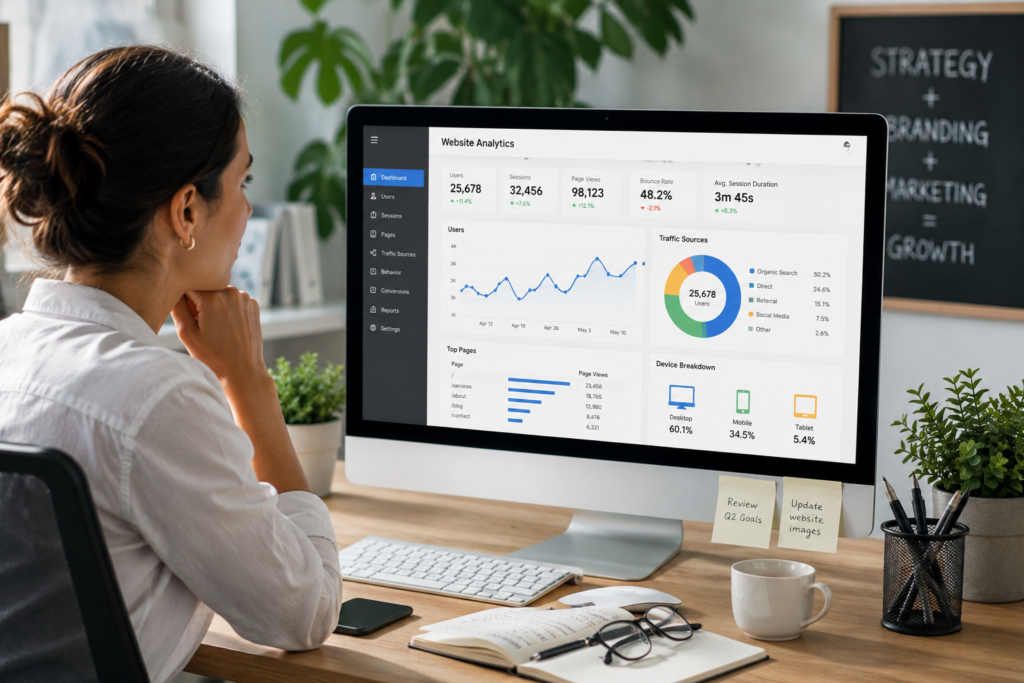
To test your current speed, you can use tools like:
These tools highlight issues such as slow loading, layout shifts, or oversized assets. In addition, they help you identify the biggest performance bottlenecks quickly.
2. Optimize Images Using Modern Formats
Images slow down most websites. However, modern formats like WebP and AVIF are now the standard for fast-loading, high-quality visuals.
Optimize by:
These simple steps provide an immediate speed boost.
3. Clean Up and Streamline Your Code
Improve performance by:
Streamlined code creates a more stable, faster website.
4. Upgrade to Modern Hosting
Choose hosting that includes:
Ultimately, better hosting equals better performance and uptime.
5. Use Caching and CDNs Effectively
Caching stores frequently accessed content to load faster.
CDNs deliver your site from servers closest to the user.
Together, they dramatically improve:
6. Reduce Plugins and External Scripts
Too many plugins slow down your website, especially on WordPress.
Remove:
Keep only what’s absolutely needed.
7. Maintain Regular Updates
Updates improve:
A regularly maintained site stays fast and stable.
DIY vs Professional Website Optimization
Some improvements can be done yourself, while others may require expert help.
You can DIY:
Consider a professional if:
👉 If needed, you can explore my web design services for tailored solutions.
Final Thoughts
Improving your website’s performance doesn’t require a full redesign. With intentional optimization, faster hosting, and clean code, you can significantly enhance user experience and SEO.